

Registrations #
Exhibitors are entitled to two (2) complimentary conference registrations per 6sqm.
Registration Instructions #
You will be allocated a pre-determined number of registrations subject to your individual entitlements. You can view further information regarding registration entitlements in the Sponsorship Prospectus.
Step 1: You should have received an automated email from APAIE Queries, which will include your username and password to the Group Registration Portal. Please check your junk mail if you don’t receive this.
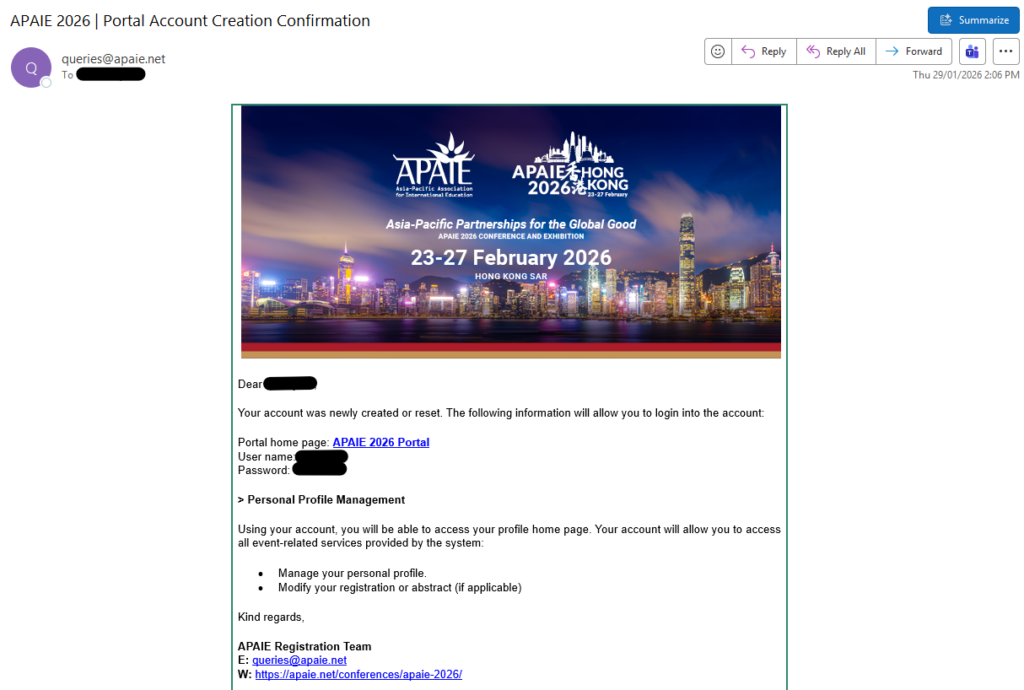
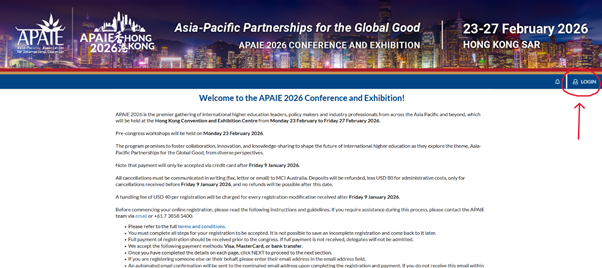
Step 2: Click onto the APAIE 2026 Portal link in the email, and select ‘Login’ on the top right corner.
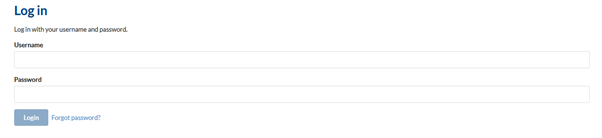
Step 3: Enter your User name and Password as listed in the email. For first time users, you may be prompted to create your own unique password.
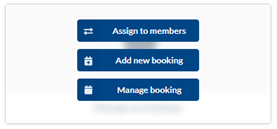
Step 4: Once you have successfully logged in, you will see the below page.
Firstly, you will need to upload the delegates under your group under Add members. You can choose to manually add them in individually, or bulk upload the delegates using a template provided in the functionality. Please follow the instructions on the page to upload the members.
You will not be able to allocate the registrations, unless you have uploaded the delegates
Step 5: Once your delegates have been uploaded, go to Manage my bookings and select Assign my members to allocate registrations to the delegates which you have uploaded in step 3. If you need to change, transfer, or cancel the allocations, you can do so under the Manage booking function.
Step 5: Once you have allocated and assigned registrations to your delegates, go to Manage Members and send them the ‘Account Creation Letter’ and the ‘Confirmation Letter’, so that they are able to activate their account and access their registration.

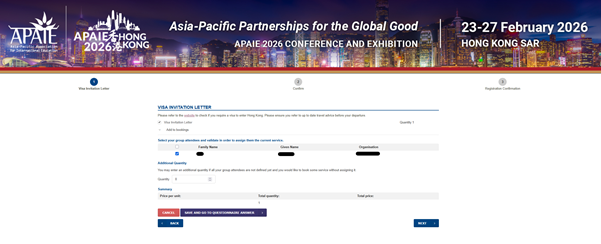
Step 6: For delegates who require Visa Invitation Letters, please request for this under Manage my bookings and select Add new booking. From here, the Visa Invitation Letter page will appear. Select the group attendee that require the invitation letter, and select Save and go to questionnaire answer to include their passport information.
If you require multiple visa letters for different attendees, please repeat this process as you can only input the passport details for 1 delegate at a time.
IMPORTANT: To ensure lead-tracking technology is set up for all exhibitors prior to arriving onsite allocation of exhibitor registrations must be completed by Tuesday 27 January 2026.
Lead Capture #
Lead-tracking technology will be provided for registered exhibitors to ensure that you are generating a post-event customer interaction record for follow up. This will be an app-based, QR-code lead tracking app with the ability to compile GDPR compliant leads list. The list will include names, organisations, states, regions, and the email of the contacts for export.
Login and access details to the lead-tracking technology will be shared with all exhibitors, closer to the conference date.